HoldSay vs Granola: Local Archive or Cloud Notes?

HoldSay is a Granola alternative for people who want the recording, transcript and summary to stay on their own computer, with the original audio available for replay. That replayable local archive supports verification, offline work and long term ownership. Granola is designed for teams that prioritize collaborative cloud notes, integrations and questions across shared meeting history.

HoldSay and Granola.
HoldSay and Granola at a glance
| Category | HoldSay | Granola |
|---|---|---|
| Meeting bot | No bot | No bot |
| Processing | Speech recognition, speaker labels and summaries run locally | Uses cloud services for transcription and AI notes |
| Original audio | Saved locally and available for replay | Deleted after transcription |
| Collaboration | Locally owned files shared through the tools you choose | Shared cloud notes, integrations and team features |
| Price | $69.99 per device seat once, with a limited $39.99 early bird price | Basic is free with limited history. Business is listed at $14 for each user each month |
Vendor facts checked against the official Granola pricing page, security page and data FAQ on Aug 18, 2026.
Bot free does not mean the same architecture
Granola listens through the computer rather than sending a named participant into the call. On desktop it captures microphone and computer audio, and it works with different meeting platforms. HoldSay uses the same basic bot free capture pattern.
Granola then uses services including Deepgram for transcription and OpenAI or Anthropic for parts of its note workflow. It says meeting audio is not retained after transcription, while notes and transcripts are stored. This is a thoughtful privacy choice for teams that want useful cloud notes without a permanent audio archive.
HoldSay keeps processing on the device and preserves the audio with the transcript. That is valuable when you need to verify a quotation, hear tone, review an unclear speaker label or retain source evidence. Direct control also lets you apply your own backup, access and deletion policy instead of inheriting the lifecycle of a hosted service.
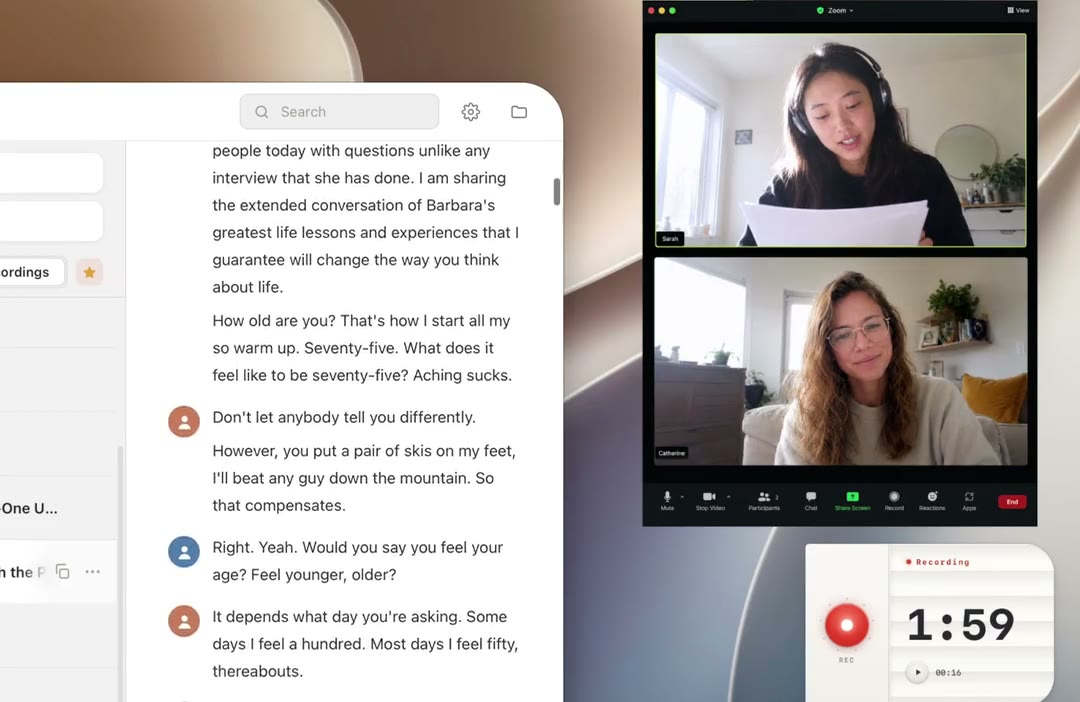
Both products avoid a participant bot, but HoldSay keeps the captured call on the computer.
Local ownership or collaborative cloud notes
Granola is built around notes that can be refined, shared and queried. Its team products add integrations and a managed workspace. People who want to ask questions across meetings or hand a clean note to colleagues without moving files will find that model more convenient.
HoldSay is designed around a local, replayable record. It produces a transcript and on device summary, can label speakers with local voice profiles, and leaves the note as a file you can open, move, back up or share through the tools you already trust. This avoids locking the archive inside a required team service and keeps long term access under your control.
Granola extends its note workflow across desktop and mobile apps. HoldSay concentrates on Mac and Windows so the computer can perform speech recognition, speaker labeling and summarization locally. Granola suits mobile note access, while HoldSay suits people who want the desktop to remain a complete private voice workspace.
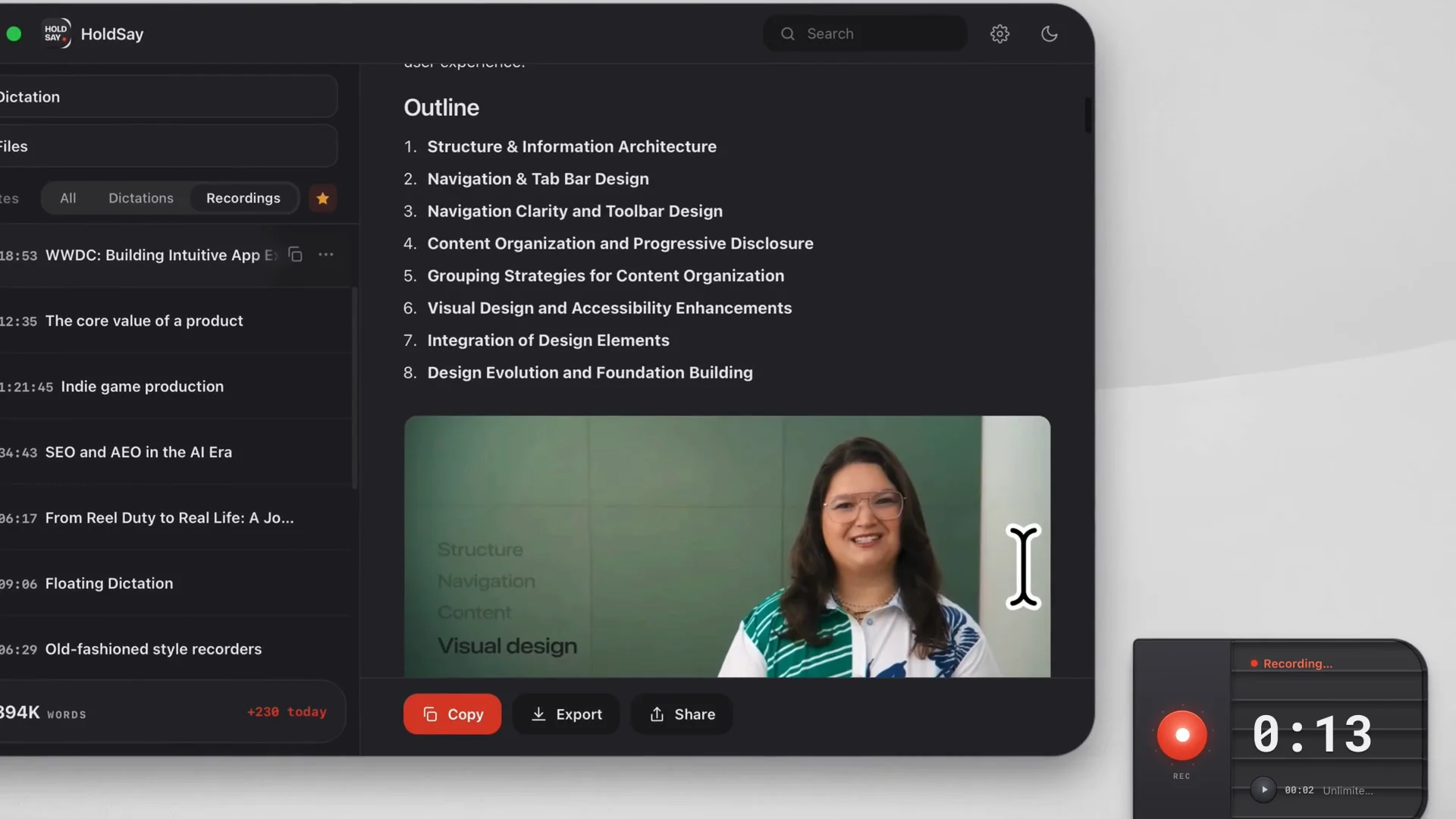
HoldSay keeps the structured summary beside its replayable local source.
Why replayable audio matters
A transcript is an interpretation of sound, not the sound itself. Names, numbers and overlapping speech can be wrong in any transcription system. A replayable recording lets you inspect the source instead of guessing from a suspicious sentence.
HoldSay includes local echo cancellation for computer calls, which helps keep the saved voice track clear when the microphone also hears audio from the speakers. The clearer local recording supports more usable transcripts, speaker turns and replay without sending the call to a cloud cleanup service.
When exact wording, tone or source evidence matters, HoldSay's replayable recording is a major advantage because the transcript can always be checked against the original. When an organization has a strict policy to minimize retained audio, Granola's deletion approach may fit that policy more closely.
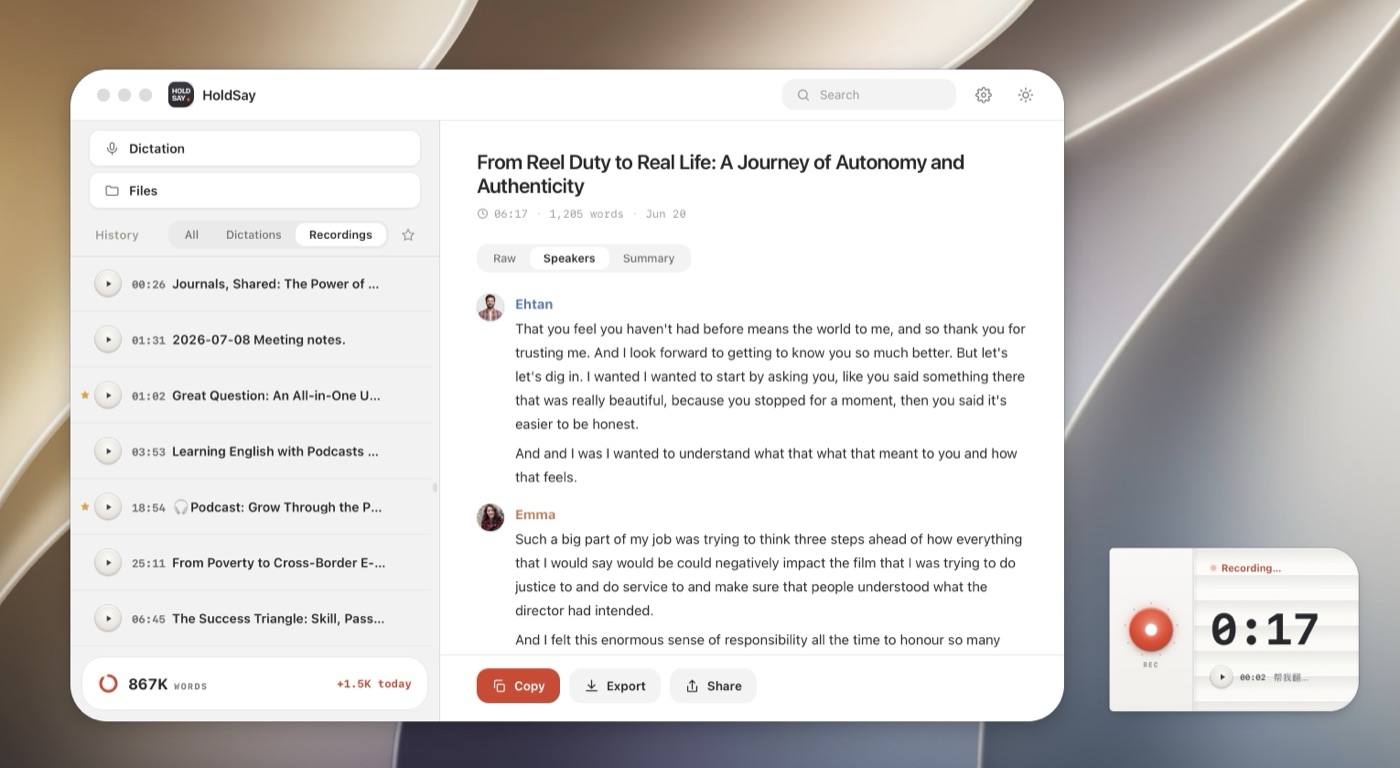
A replayable recording lets you check a speaker label or uncertain sentence against the source.
Offline work and file ownership
Once its model is downloaded, HoldSay can record, transcribe, label speakers, summarize and polish without an internet connection. It uses the network for license verification and updates, but voice content is not sent with those requests.
Granola keeps a local cache so notes can remain accessible in some offline situations, but its transcription and AI workflow relies on cloud providers. That reliance enables collaboration and cloud model features. It also means an offline meeting cannot complete the same processing path.
Test HoldSay by disconnecting Wi-Fi before a short recording. Then inspect the local audio, transcript and summary. Test Granola by sharing a note with a teammate and asking a question across meetings. The more revealing test is the one tied to your actual priority.
Which one should you choose?
Choose HoldSay if you need local processing, original audio, offline completion, high volume recording without monthly minute limits, or one app that also handles dictation and existing media files.
Choose Granola if your output is a collaborative note, you value integrations and cross meeting questions, want mobile access or prefer the original audio to be deleted after transcription. Choose HoldSay when the enduring value lies in owning a replayable source archive that remains available without a team service.
FAQ
Is HoldSay a good Granola alternative?
Yes, if you want recordings, transcripts and summaries stored and processed locally, with original audio available for verification and replay. HoldSay also works offline and handles dictation and existing media files. Granola fits teams that prioritize a managed cloud workspace, integrations and questions across shared notes.
Do HoldSay and Granola both work without a meeting bot?
Yes. Both can capture a meeting from your own device without adding a participant bot.
Does Granola save meeting audio?
Granola says audio is deleted after transcription. It stores transcripts and notes, while HoldSay keeps the local recording so you can replay it.
Can HoldSay collaborate with a team?
HoldSay keeps notes as local files that you can share through the storage and collaboration tools you choose, preserving direct control of the archive. Granola provides a managed shared workspace for teams that want centralized access.
Does HoldSay work offline?
Yes, after the initial model download. Dictation, recording, transcription, speaker labels, summaries and Polish run locally.
Was this comparison accurate? If something here does not match what you see, tell us at support@holdsay.com and we will fix the page.