
HoldSay vs Wispr Flow: Which Dictation App Fits You?

HoldSay is a Wispr Flow alternative for people who want desktop dictation to run on their own computer, work without internet after setup and cost one payment instead of a recurring plan. Its local architecture also supports meeting recording and file transcription in the same app. Wispr Flow is designed for people who prioritize mobile apps, cloud convenience or its broader voice command system.

HoldSay and Wispr Flow.
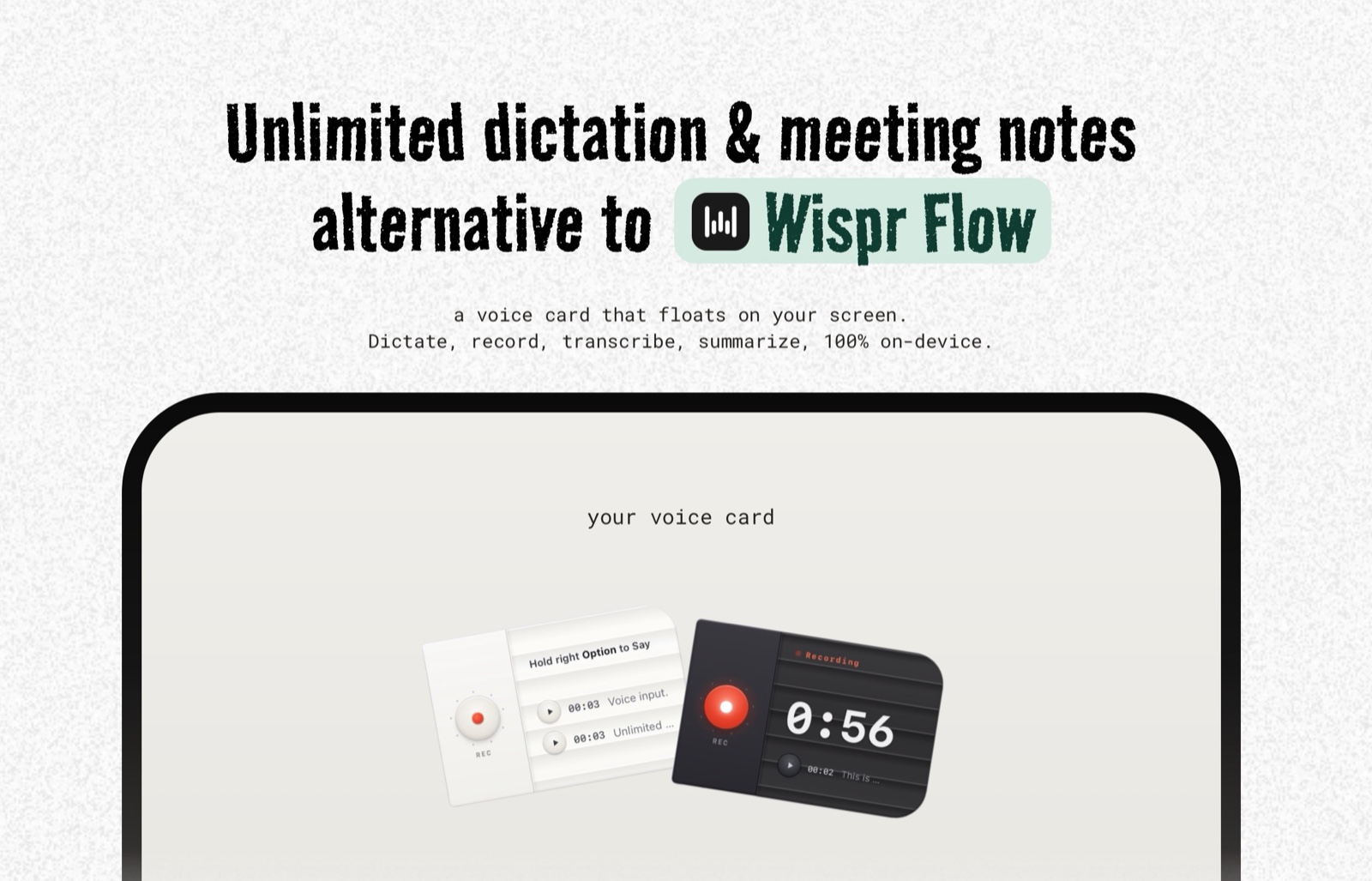
One HoldSay card covers dictation, meeting recording and file transcription.
HoldSay and Wispr Flow at a glance
| Category | HoldSay | Wispr Flow |
|---|---|---|
| Where is speech processed? | On your Mac or Windows PC | In the cloud |
| Can it dictate offline? | Yes, after the first model download | No, an internet connection is required |
| Pricing model | $69.99 per device seat, paid once. A limited $39.99 early bird price is currently available | Basic is free with usage limits. Flow Pro is listed at $15 per user each month |
| Platforms | Mac and Windows | Mac, Windows, iPhone and Android |
| Meetings and files | Records meetings and transcribes audio or video files | Primarily a dictation product |
Vendor facts checked against the Wispr Flow plans page, its privacy explanation and its offline answer on Aug 18, 2026.
How the two dictation workflows differ
Wispr Flow is focused on making cloud dictation feel effortless across many devices. It cleans spoken language, understands commands and lets the service do the heavy processing. That makes it attractive on lighter hardware and for people who move between a desktop and a phone.
HoldSay is deliberately desktop first. Hold a shortcut, speak, release it and the result appears at your cursor. The HoldSay Dictation model runs on the computer. If you want fewer filler words without a broad rewrite, the local Polish pass cleans the transcript while preserving the intended wording.
The same card can then switch jobs. It can record microphone and computer audio without adding a bot to a meeting, create a transcript with local speaker labels, summarize it on the device or accept an existing audio or video file. That combination matters if dictation is only one part of your voice workflow.
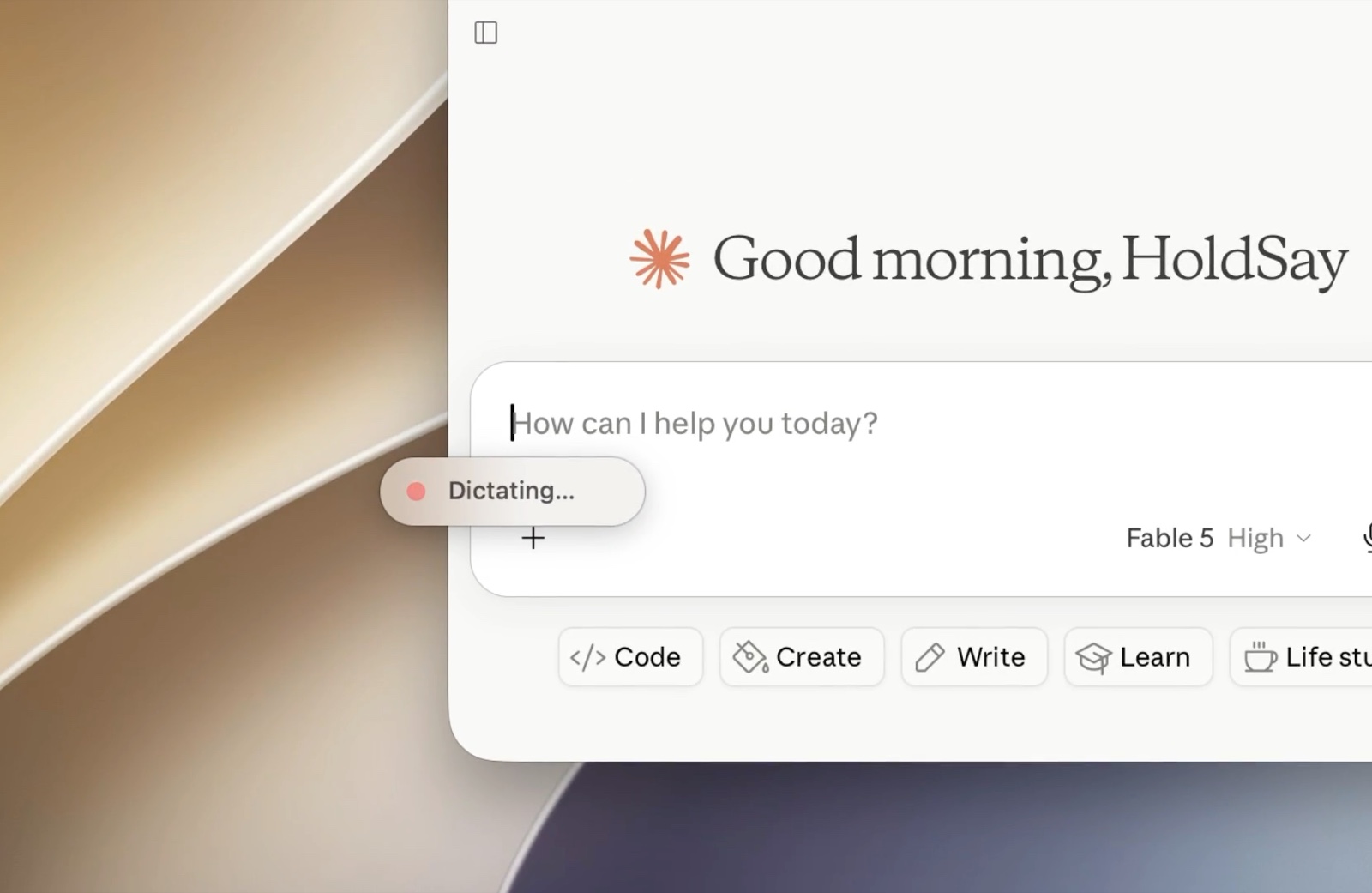
HoldSay inserts the transcript at the cursor in the app you are already using.
Privacy and offline use are architectural choices
Wispr Flow is transparent that transcription happens in the cloud. Its privacy controls include Privacy Mode, which stops data from being used for model improvement, and an option to disable Private Cloud Sync for zero retention. Those are meaningful controls for a cloud product.
HoldSay takes a different route. Audio, recordings, transcripts, speaker profiles and summaries remain on your device. The app does use the network for the initial model download, license verification and update checks. Those requests do not carry your voice content.
You can verify the practical difference yourself. Finish HoldSay setup, turn off Wi-Fi and dictate into a blank document. The text still appears. This is more useful evidence than a privacy slogan because it tests the mechanism directly.
What each app costs over time
Wispr Flow currently lists a free Basic plan with weekly limits and Flow Pro at $15 for each user each month. That recurring price funds a cloud service, broad platform support and ongoing product development.
HoldSay costs $69.99 for one device seat, with a limited $39.99 early bird price at the time of writing. The two day trial includes every feature and does not require a card. One seat activates one Mac or one Windows PC. Dictation history, recordings and notes remain local files that you can retain without depending on an account based cloud library.
The one payment model is designed for people who want a durable desktop tool, predictable long term cost and direct ownership of their voice archive. A managed subscription can suit people who prefer automatic access across several devices, while HoldSay keeps continued access independent of a recurring plan.
What local dictation feels like in practice
In 221 consecutive dictations on one MacBook Air M3 with 24 GB of memory, HoldSay showed a median delay of 3.1 seconds from shortcut release to inserted text. The 90th percentile was 4.4 seconds and 92 percent completed within five seconds. The sample came from one machine over two days, so it is a concrete reference point, not a promise for every computer.
For longer speech, HoldSay starts work while you are still talking. That reduces the wait after releasing the shortcut. Local processing also means performance depends on your computer, which is an honest tradeoff of keeping the model with you.
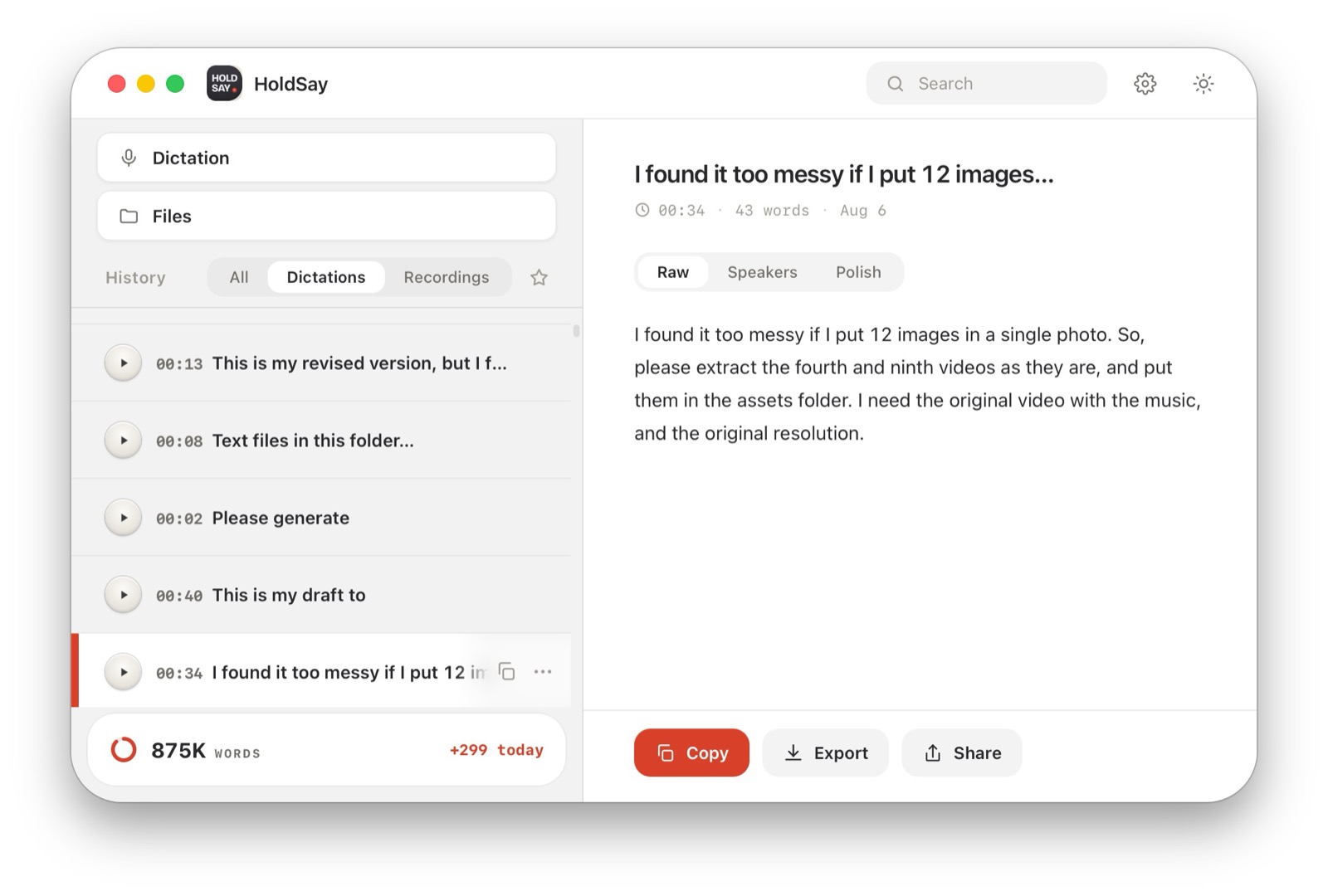
The local history keeps past dictations available without placing them in a cloud account.
Which one should you choose?
Choose HoldSay if your work happens mainly on a Mac or Windows PC, you want audio to stay local, you need offline dictation, or you want dictation, meetings and file transcription in one purchase.
Choose Wispr Flow if you dictate on a phone, want a mature cloud service across four platforms, rely on its voice commands or prefer not to think about local models and file storage. Its free allowance may also be enough for light use.
HoldSay is available today for Apple Silicon Macs running macOS 14 or later and supported Windows 10 or 11 PCs. Its iOS and Android clients are in development. The current desktop experience lets one local app handle dictation, meeting capture and file transcription while keeping the resulting archive under your control. People who require phone dictation immediately can use Wispr Flow today, while people whose voice work centers on a computer gain the full value of HoldSay's local design.
FAQ
Is HoldSay a good alternative to Wispr Flow?
Yes, if you want desktop dictation that runs locally, works offline after setup and is paid for once. HoldSay also combines dictation, meeting recording and file transcription in one local desktop workflow. Wispr Flow fits people who need mobile dictation, cloud sync or its broader voice command system.
Does HoldSay work without an internet connection?
Yes. After the first model download, dictation, recording, transcription, speaker labels, summaries and Polish run on the device. License verification and update checks still use the network.
Which app has better privacy?
They use different architectures. HoldSay keeps audio and transcripts on the device. Wispr Flow processes transcription in the cloud and offers Privacy Mode and cloud retention controls.
Can HoldSay replace Wispr Flow on a phone?
HoldSay is available on Mac and Windows today, with iOS and Android clients in development. Wispr Flow already supports iPhone and Android, so it is the immediate choice for people who need mobile dictation now.
Can HoldSay record meetings and transcribe files?
Yes. The same floating card can record microphone and computer audio, create local meeting notes and transcribe existing audio or video files.
Was this comparison accurate? If something here does not match what you see, tell us at support@holdsay.com and we will fix the page.