HoldSay vs Plaud: Do You Need a Hardware Recorder?

HoldSay is a Plaud alternative for meetings, calls and recordings that already happen on your Mac or Windows PC. It processes unlimited minutes locally and requires no separate recorder. Plaud is the better tool for phone calls and in person conversations away from the computer because portable hardware is the point of the product.

HoldSay and Plaud.
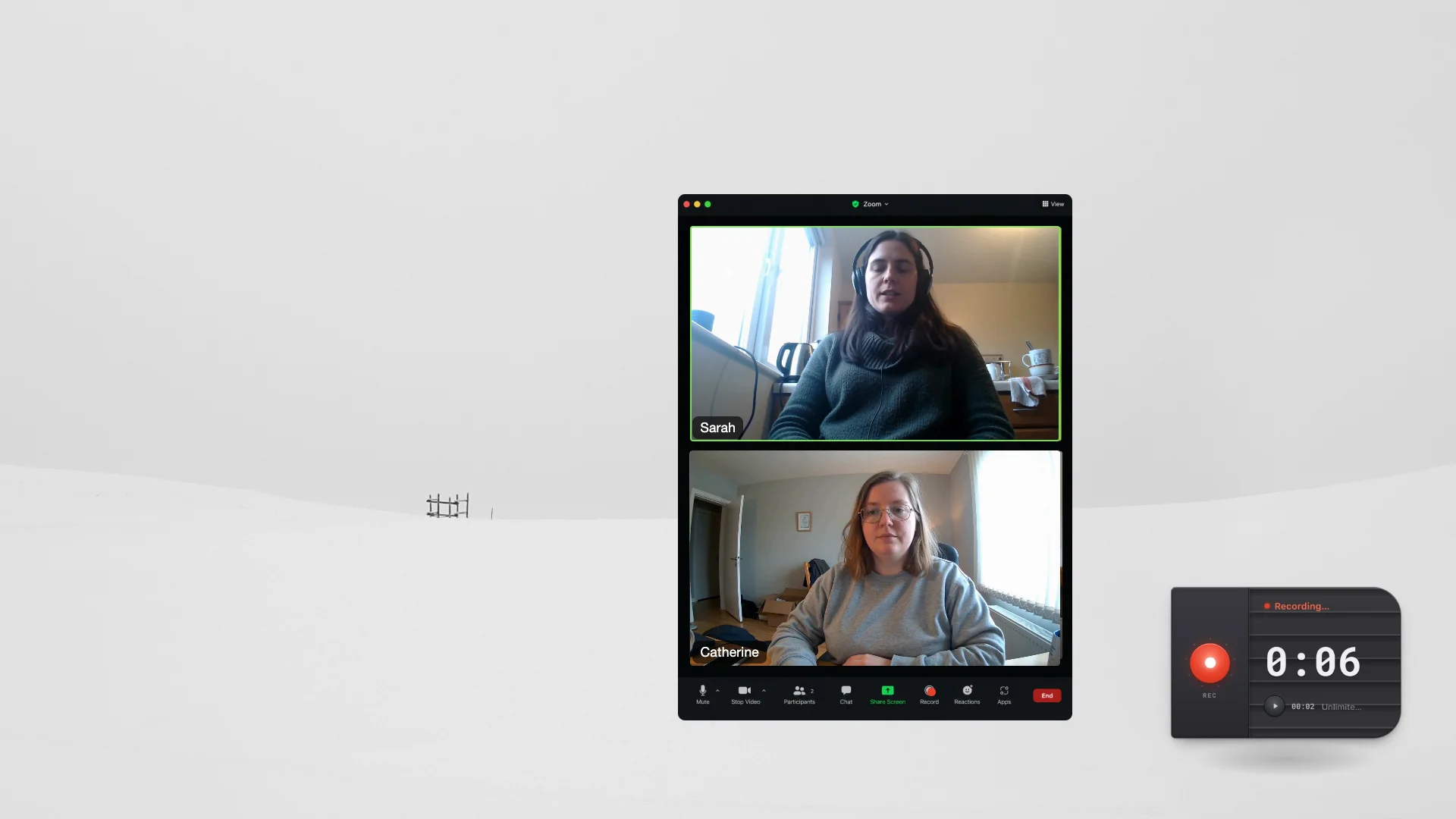
HoldSay records microphone and computer audio directly on the computer.
The location test gives you the answer
| Situation | Better fit | Why |
|---|---|---|
| Zoom, Meet or Teams on your computer | HoldSay | Captures microphone and computer audio locally with no bot |
| Phone call while away from your computer | Plaud | Purpose built portable hardware can travel with the phone |
| In person interview in the field | Plaud | A pocket or wearable recorder is easier to position and carry |
| Large archive of existing audio or video | HoldSay | Local file and folder transcription is not metered by minutes |
| One workflow across both settings | Both | Record remotely with Plaud, then use HoldSay for computer based work when appropriate |





Choose HoldSay when the conversation or media is already on your computer. It records Zoom, Google Meet and Microsoft Teams locally without a bot, and it can transcribe large audio or video archives without minute limits. Choose Plaud when you need portable hardware for phone calls or interviews away from your computer. If your work moves between both settings, the two tools can complement each other.
How transcription minutes change the workflow
Plaud includes a Starter plan after a device is bound, currently with five hours of transcription each month. Its official pricing page lists Pro at $17.99 each month with 20 hours and Unlimited at $29.99 each month. Annual billing can lower the monthly equivalent, so check the current Plaud plan page before buying.
Running out of minutes does not make a Plaud device stop recording. Plaud explains that the recording remains possible while transcription waits for more minutes. That distinction matters because the hardware still captures evidence even when the cloud processing allowance is exhausted.
HoldSay does not meter minutes because its transcription model runs on your computer. A sixty hour archive therefore creates no sixty hour cloud bill and consumes no monthly allowance. You can transcribe files or entire folders while keeping the results local, which makes high volume work predictable and keeps the archive under your control.
Plaud pricing and transcription details were checked against its official plan page and transcription guide on Aug 18, 2026.
Plaud has desktop software too
Plaud is no longer only a hardware story. Its desktop product can record microphone and system audio, according to the official Plaud Desktop audio guide. A fair comparison therefore cannot claim that Plaud is limited to a card shaped recorder.
The architectural difference remains. Plaud connects recordings to its cloud transcription and note system. HoldSay keeps the audio, transcript, speaker profiles and summary on the device. HoldSay can also transcribe an exported MP3 or WAV file, or a folder of files, using the same local model.
Plaud offers mature templates and cloud organization for teams that want a managed service. HoldSay takes a different approach: recordings, transcripts and notes remain as local files under your control, with no required cloud workspace. This makes an archive easier to retain, move, back up and process privately over the long term. Plaud prioritizes managed sharing, while HoldSay prioritizes ownership, privacy and durable access.
What HoldSay does during a long recording
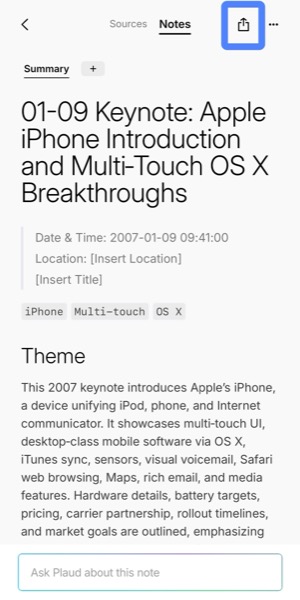
HoldSay LiveScribe starts creating the transcript while you record, so a long interview, lecture or call does not leave you waiting for the entire file to be processed afterward. When the recording stops, much of the transcript is already ready to read, search and turn into notes.
HoldSay keeps the original audio beside the transcript, so you can verify an important name, number or quotation against the source instead of relying on text alone. Local voice profiles can organize recurring speakers into named turns, while the recording, labels and summary remain together on your device.
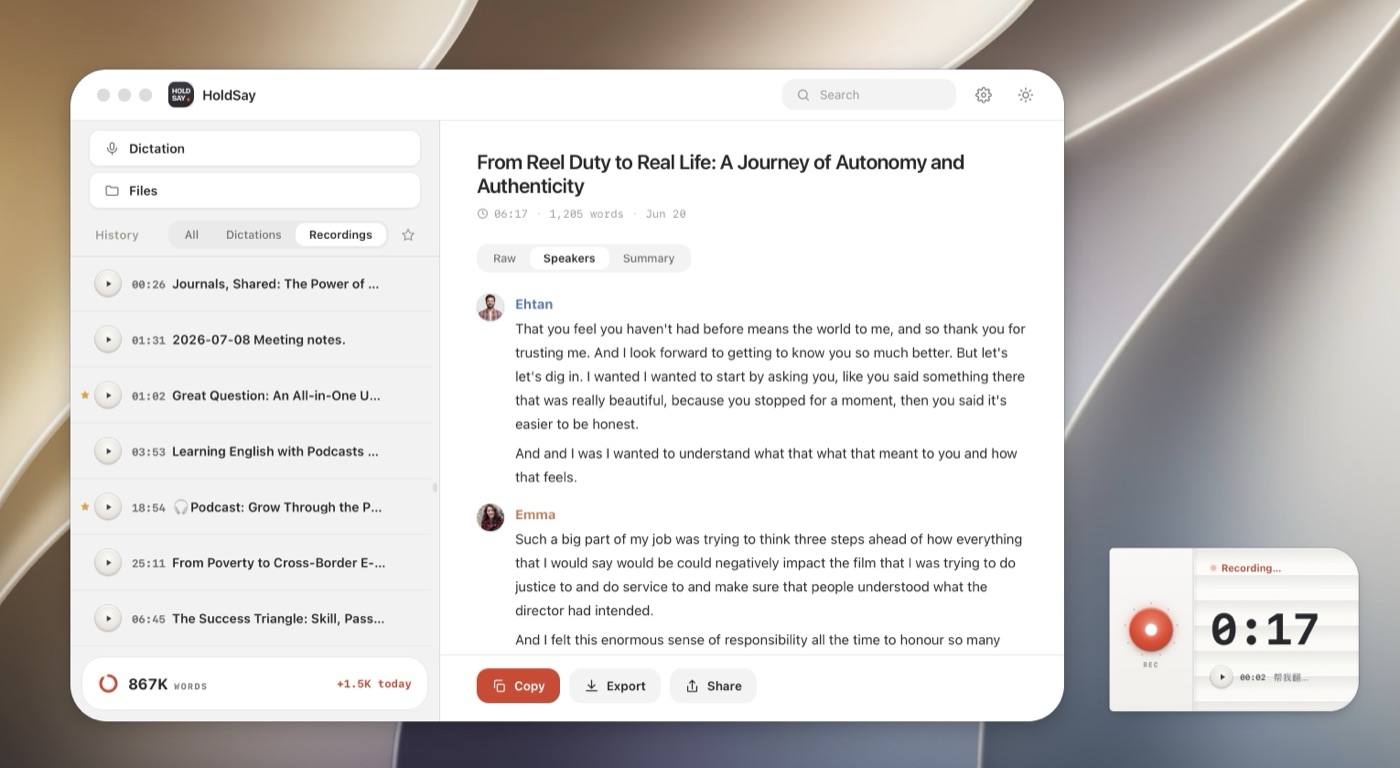
Local voice profiles can separate a recording into named speaker turns for review.
Which one should you choose?
Choose HoldSay if most source material is already on your computer, you need high volumes of transcription, you want local processing or you want dictation and file transcription alongside meeting notes. If you do not regularly record client conversations or interviews away from your computer, HoldSay already covers the complete workflow with unlimited local transcription and summaries. It costs $69.99 per device seat once, with a limited $39.99 early bird price.
Choose Plaud when you need stable capture for client conversations, phone calls or interviews away from your computer. Each connected Plaud device includes five hours of transcription each month. After that allowance is used, cloud transcription pauses until the allowance resets unless you purchase extra time or a paid plan. Plaud currently lists Pro at $17.99 each month for 20 hours and Unlimited at $29.99 each month, so frequent field recording can add recurring budget pressure beyond the hardware purchase.
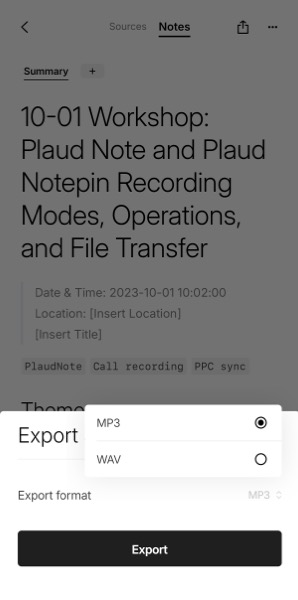
Use both when your work moves between the field and your computer. Record the conversation reliably with Plaud while visiting a client or working away from your desk. Then export the audio from Plaud as an MP3 or WAV file and bring it into HoldSay for unlimited local transcription and summaries. This combines Plaud's portable capture with HoldSay's private, predictable long recording workflow. If you have no regular need to record away from your computer, HoldSay alone already covers the job without a second device or a recurring transcription plan.
FAQ
Can HoldSay replace a Plaud recorder?
HoldSay replaces separate hardware for meetings and media that happen on your Mac or Windows PC, while adding unlimited local processing, dictation and file transcription. Plaud hardware fits phone calls and in person conversations away from the computer.
Does HoldSay have monthly transcription limits?
No. HoldSay runs transcription locally, so it does not meter minutes. Practical limits come from device performance and available storage.
What happens when Plaud's included transcription time runs out?
Each connected device includes five hours of transcription each month. Recording can continue after the allowance is used, but cloud transcription pauses until the allowance resets unless you purchase extra time or a paid plan. See Plaud's official explanation.
Can HoldSay record both sides of a computer call?
Yes. HoldSay can capture microphone and computer audio for calls and meetings on the computer, without adding a meeting bot.
Should I use Plaud and HoldSay together?
Yes, if you need a stable recorder away from your computer. Capture client conversations with Plaud, export the audio as an MP3 or WAV file, then use HoldSay for unlimited local transcription and summaries. If all of your recording happens on your computer, HoldSay alone covers the workflow.
Was this comparison accurate? If something here does not match what you see, tell us at support@holdsay.com and we will fix the page.